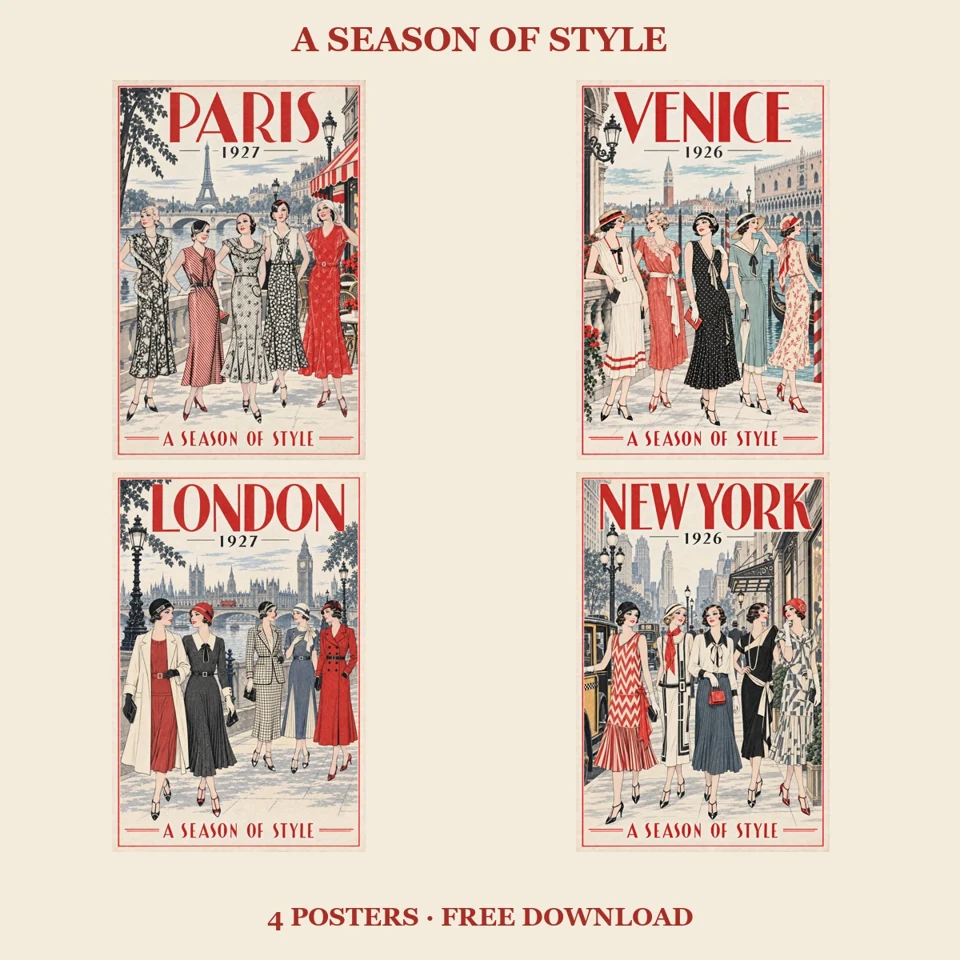
Gratis plakater til utskrift · vintageinspirert mote
En sesong med stil
Fire samstemte reiseplakater med moteillustrasjoner, ulike kjoler og bymiljøer, inspirert av gamle katalogillustrasjoner. Last ned hele pakken med engelsk tekst gratis, eller gi et frivillig bidrag.
€0+
Last ned gratis på Gumroad ↗Skriv inn 0 for å få hele pakken. Bidrag er frivillige. Kun digital nedlasting.
Dette får du
- Fire JPG-plakater med engelsk tekst, hver på 4096 × 6144 piksler i stående 2:3-format
- Firesiders A4-PDF med én komplett plakat per side og utskriftsmarger
- Utskriftsråd og lisens for private og småbedrifters ferdige prosjekter
- Én ZIP-nedlasting på omtrent 73 MB
Slik skriver du ut plakatene
JPG-filene er forstørret fra originaler på 1024 × 1536 piksler. Forstørring tilfører ikke nye originaldetaljer. Prøv de vedlagte A4-prøvene før du bestiller større utskrifter. Behold sideforholdet 2:3, og tilpass hele illustrasjonen innenfor papirets marger.
Om illustrasjonene
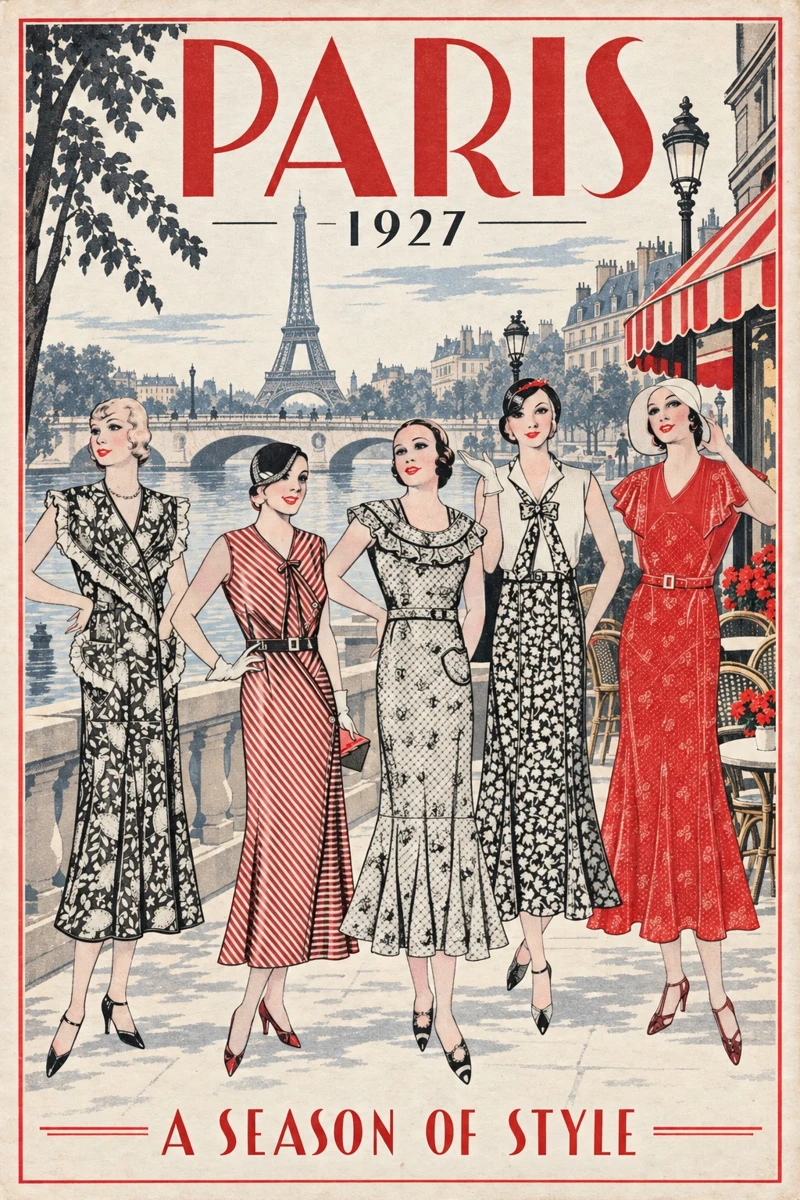
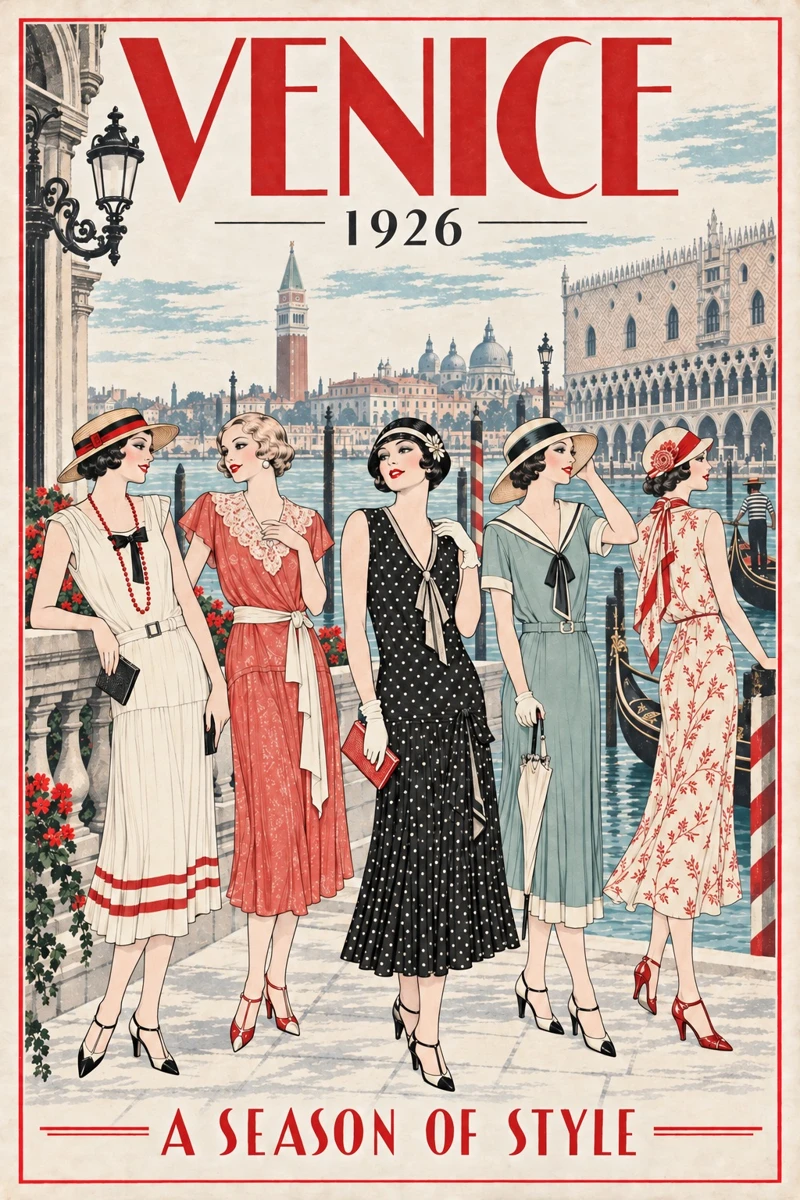
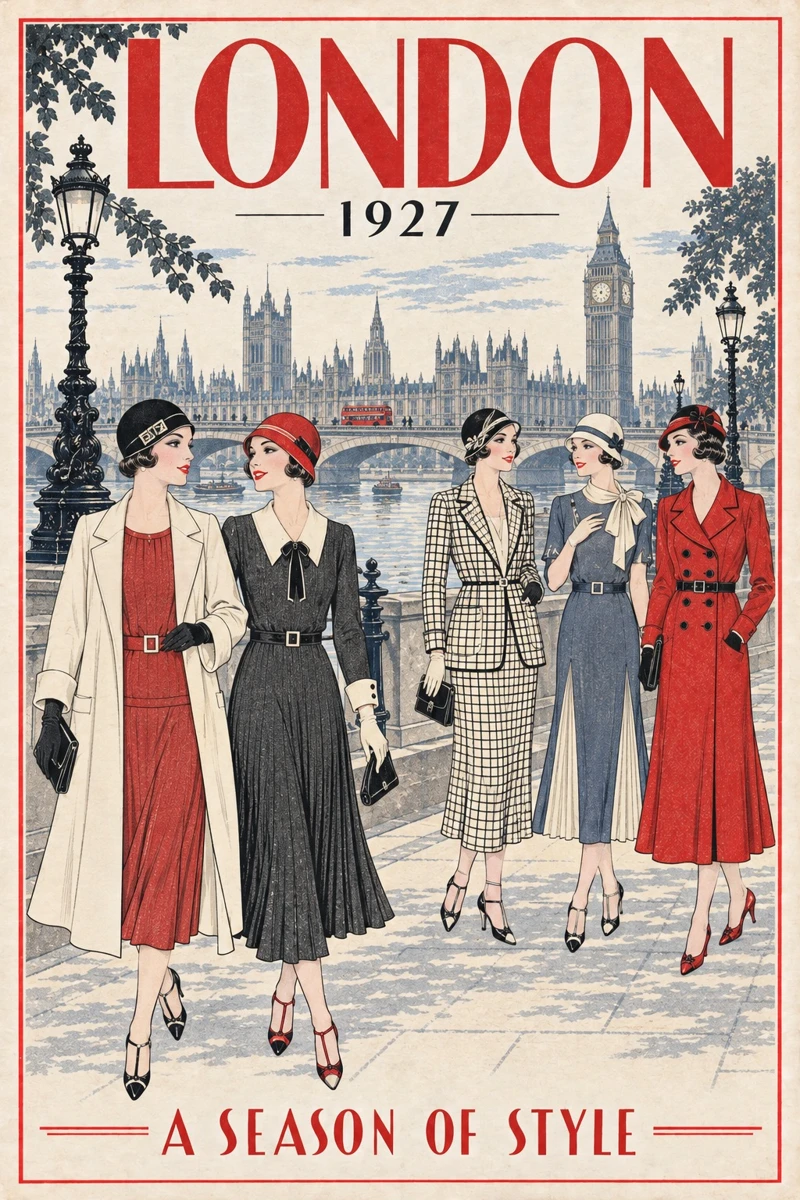
Nye KI-assisterte illustrasjoner inspirert av gamle motekataloger. Paris 1927, Venezia 1926, London 1927 og New York 1926 er forestilte reisemotiver, ikke originale historiske plakater eller nøyaktige historiske rekonstruksjoner. FridaHag har ledet arbeidet, valgt ut og gjennomgått illustrasjonene. Det gjøres ikke krav på eierskap til underliggende historisk materiale som er falt i det fri.
Din lisens
Private og småbedrifters ferdige prosjekter er tillatt etter den vedlagte lisensen. Ikke videreselg eller del de originale digitale filene. Det gjøres ikke krav på eierskap til underliggende historisk materiale som er falt i det fri.
Også presentert hos PosterTreasury i Central Archive Hub.
Alle fire plakatene
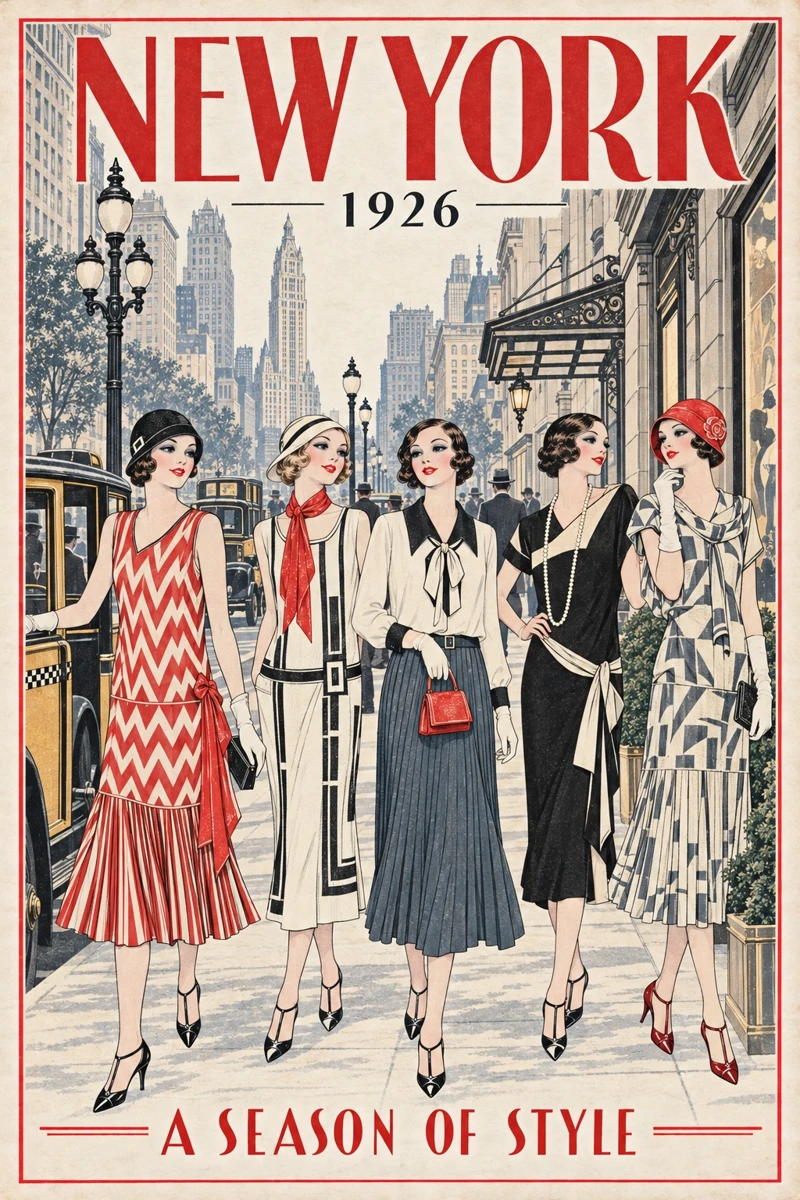
FridaHag · ChatGPT + Inkscape
Fra moteillustrasjon til byplakater
Se hvordan vi bruker ChatGPT til å utvikle en serie byplakater og gratis Inkscape til å klargjøre en plakat for A4-utskrift. Du velger og vurderer; assistenten lager filene.
Videoen, instruksjonene og nedlastingsfilene er på engelsk.
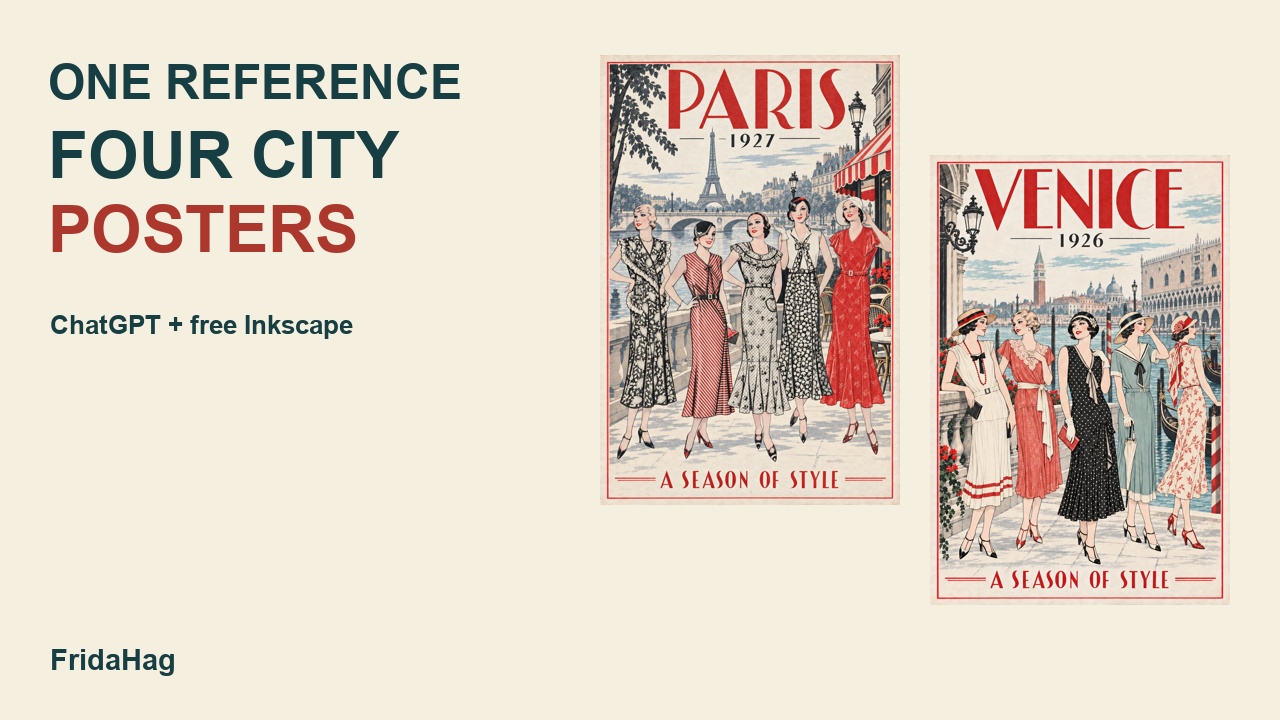
Videoen publiseres onsdag 23. september kl. 18.00 (Berlin/Oslo). Instruksjonene kan lastes ned allerede nå.
Ha en fungerende installasjon av gratis Inkscape på datamaskinen. Bruk ChatGPT-skrivebordsappen med nødvendige verktøy, og start med tilgangstesten nedenfor. Installasjon alene gir ikke assistenten tilgang. Inkscape.
Veiledningen er et eget tillegg. Den inneholder instruksjoner og et redigerbart A4-eksempel med PDF. De fire plakatene lastes ned via den opprinnelige produktlenken på denne siden. Bruksvilkårene er uendret.
0. Check access
Attach: no artwork needed yet.
You will perform the Inkscape layout, sizing, file preparation and digital checks for this lesson. I will provide artwork, review results and test-print. Check the tools actually available in this session and locate my installed Inkscape. Create a separate small SVG test and export a preview, preserving my existing files and open work. Use supported file tools and Inkscape command-line export where appropriate; use Computer Use for window interaction when available. Show the result and explain the method that worked. Do not claim window inspection if you only processed files. If access is missing, explain the specific setup needed rather than assigning the design work to me or pretending it is complete. Do not install another paid tool.
Check: the assistant returns real files and distinguishes file processing, application operation and screenshots.
1. Inspect the reference
Attach: the best original reference file you may adapt.
Inspect this reference for a vintage-inspired city fashion poster. Identify the figures, clothing shapes, illustration style and palette. Give a short list of features to preserve and elements to replace, such as old advertising text. Plan a portrait 2:3 composition with full-length figures, visible shoes, a city heading and a short bottom line. Do not generate yet. Do not infer the reference date, ownership or reuse rights from its appearance; identify any provenance facts I need to supply.
Check: the plan describes the actual image and reserves space for its important features.
2. Create one Paris design
Attach: the reference. Use this example only if its figures suit the request; change the count and details for your own image.
Create one portrait 2:3 vintage-inspired Paris fashion poster using the attached catalogue illustration as the visual reference. Use its five women as the basis for the composition. Keep their distinctive clothing silhouettes, red-and-black pattern character and vintage ink-illustration look as closely as possible. Show every figure full-length, including the shoes. Use an imagined Seine promenade with the Eiffel Tower, a bridge and a modest cafe terrace. Let the scenery support the figures. Use warm ivory paper, black ink, vermilion red and restrained blue-grey scenery. Add a thin red border with clear space above and below the figures. Keep the shoes clear of the bottom lettering. Use only these words: "PARIS" at the top, "1927" below it, and "A SEASON OF STYLE" at the bottom. Make one version for review. This is a new decorative adaptation, not a historical reconstruction.
Check: five distinct figures, visible feet, readable exact wording and complete border. Compare changed details with the reference. Save the version you prefer.
3. Make one companion
Attach: the accepted Paris design, or your own accepted first poster.
Use this accepted poster as the visual reference for one companion: Venice, 1926. Preserve the warm ivory paper, vermilion headline and border, black date, fine ink character, restrained palette and overall hierarchy. Create five new summer outfits and an imagined Venice waterfront setting. Keep full-length figures and clear space around shoes and lettering. Use "VENICE", "1926" and "A SEASON OF STYLE" only. Do not simply relabel the Paris scene. Produce one version and show it beside the reference for comparison. Do not create the remaining collection yet.
Check: the companion has a distinct setting but belongs to the same visual family. Repeat with a different city only after checking the first companion.
4. Correct one issue
Attach: the version needing correction. Describe the actual problem; do not use the example if there is no spacing issue.
In this poster, increase the clear space between the shoes and the bottom tagline. Keep the figures, city setting, title treatment, border and palette as close as possible to this version. Save the revision separately and show both versions together. Identify any additional changes you notice; do not assume the unrequested areas remain identical.
Check the whole revision, including faces, hands, clothing patterns, city words and border. Keep the earlier file. For exact text corrections that generation cannot reliably deliver, ask the assistant to prepare a separate editable lettering/layout solution in Inkscape rather than repeatedly regenerating the whole design.
5. Prepare the A4 print layout
Attach: the highest-quality accepted poster file. Include its original-size file or original pixel dimensions if it was enlarged.
Prepare this finished poster on an A4 portrait page, 210 x 297 mm. Preserve the complete artwork and original proportions. Centre it inside at least 10 mm white margins. Do not crop, stretch, redraw, recolour or add lettering. Use the assistant access established earlier to create an editable SVG with the image embedded and an A4 PDF exported through Inkscape where available. Render and inspect the exported PDF, check its page size and report the placed image dimensions. State the actual input resolution; if the image was upscaled, distinguish that from original detail. Return the files and a preview. Do not claim a physical print test. I will print at Actual size / 100% and inspect the result.
A 2:3 poster fits this example at approximately 184.67 x 277 mm: 12.67 mm side margins and 10 mm top/bottom margins. Do not force all margins equal by distorting the image. The downloadable collection already has A4 samples; use them when you just want to print the existing designs.
6. Save the finished work
Keep my original reference, accepted artwork, earlier revisions, editable layout and print PDF in clearly named folders. Record the prompt and what changed. Check that the PDF opens and that the image is embedded in the SVG. Explain the physical checks I still need to make. Do not publish or redistribute the source reference or alter usage terms as part of this file organisation.
Oppsetteksemplet er kontrollert digitalt. Bildeinstruksjonene er rekonstruerte undervisningseksempler og er ikke testet på nytt. Prøvetrykk én utskrift før du lager flere.